 Blockintosh
Connect before you play
Pair your controller in macOS Bluetooth settings or use a USB data cable. DualSense gameplay has been checked over Bluetooth on both Rosetta and FEX with Blockintosh Wine 3.0. DualShock 4 and DualSense mappings are configured automatically; other devices and connection modes may vary.
Move around the launcher
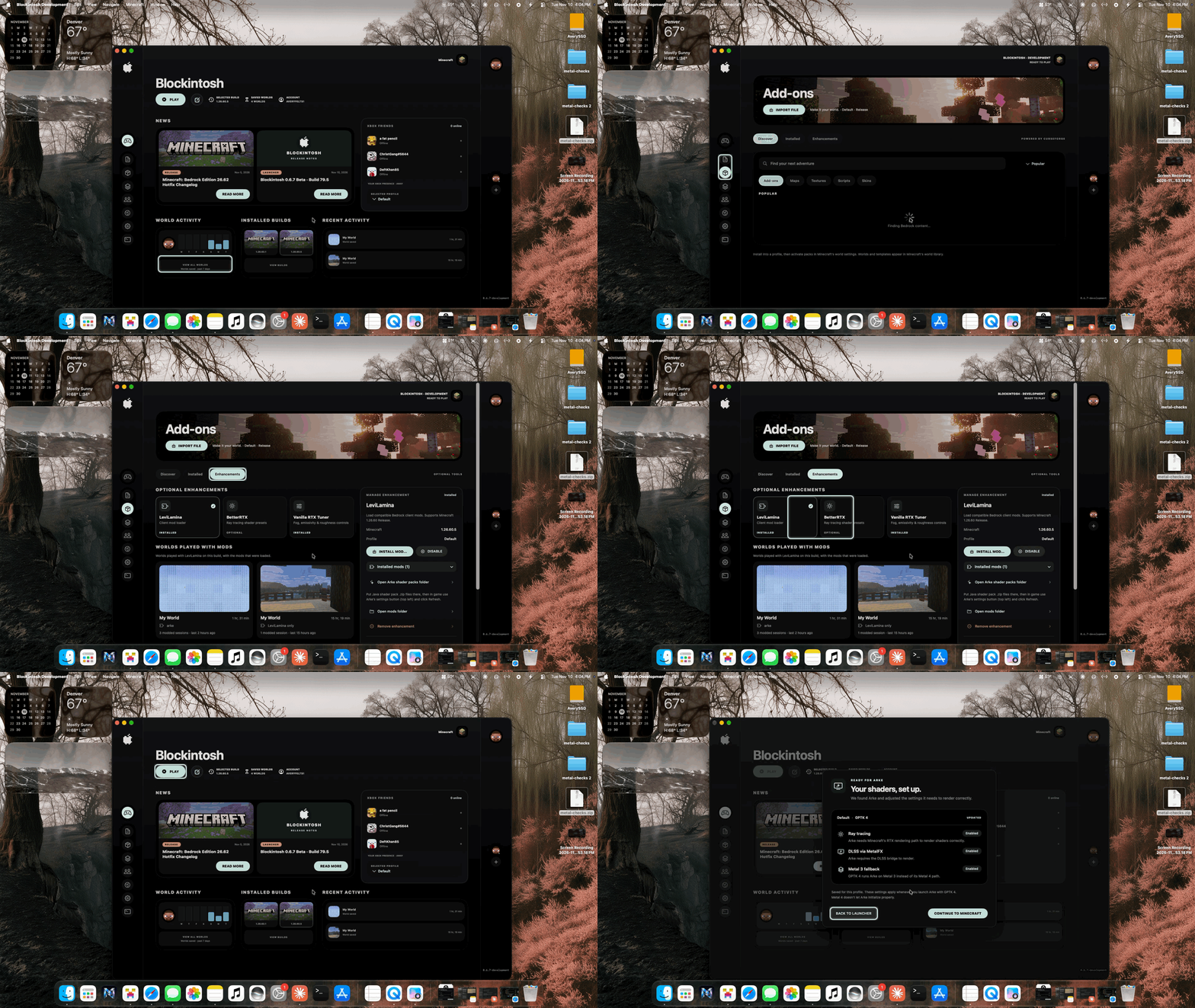
Use the D-pad or left stick to move the mint focus ring. A / Cross selects, B / Circle goes back, LB / RB switches pages, and the right stick scrolls. Bring the launcher to the front to navigate it with your controller.
Pair a PlayStation controller
For DualShock 4, hold Share + PS until the light flashes. For DualSense, hold Create + PS. Then select the controller in macOS Bluetooth settings. Minecraft may display Xbox button labels.
Leave the game when you need to
Save and leave your world through Minecraft first. Command–Option–Q quits the game; you can also hold D-pad Up + Y / Triangle for two seconds. These shortcuts stop the session immediately, so unsaved progress can be lost.
A note on extra features
Touchpad gestures, gyro, adaptive triggers, controller audio and PlayStation button artwork are not part of the current mapping. Rumble and additional controller combinations still need wider hardware testing.